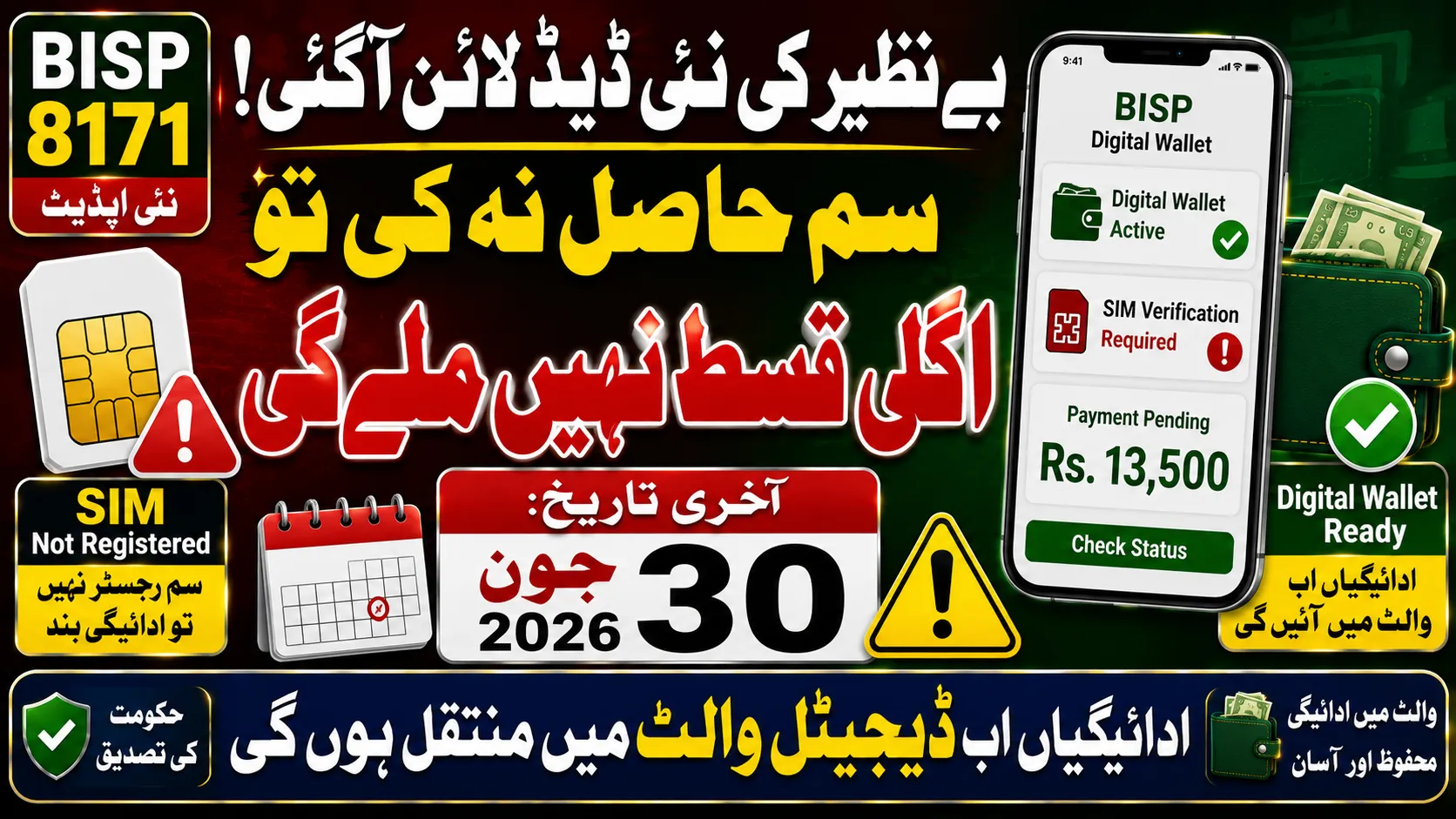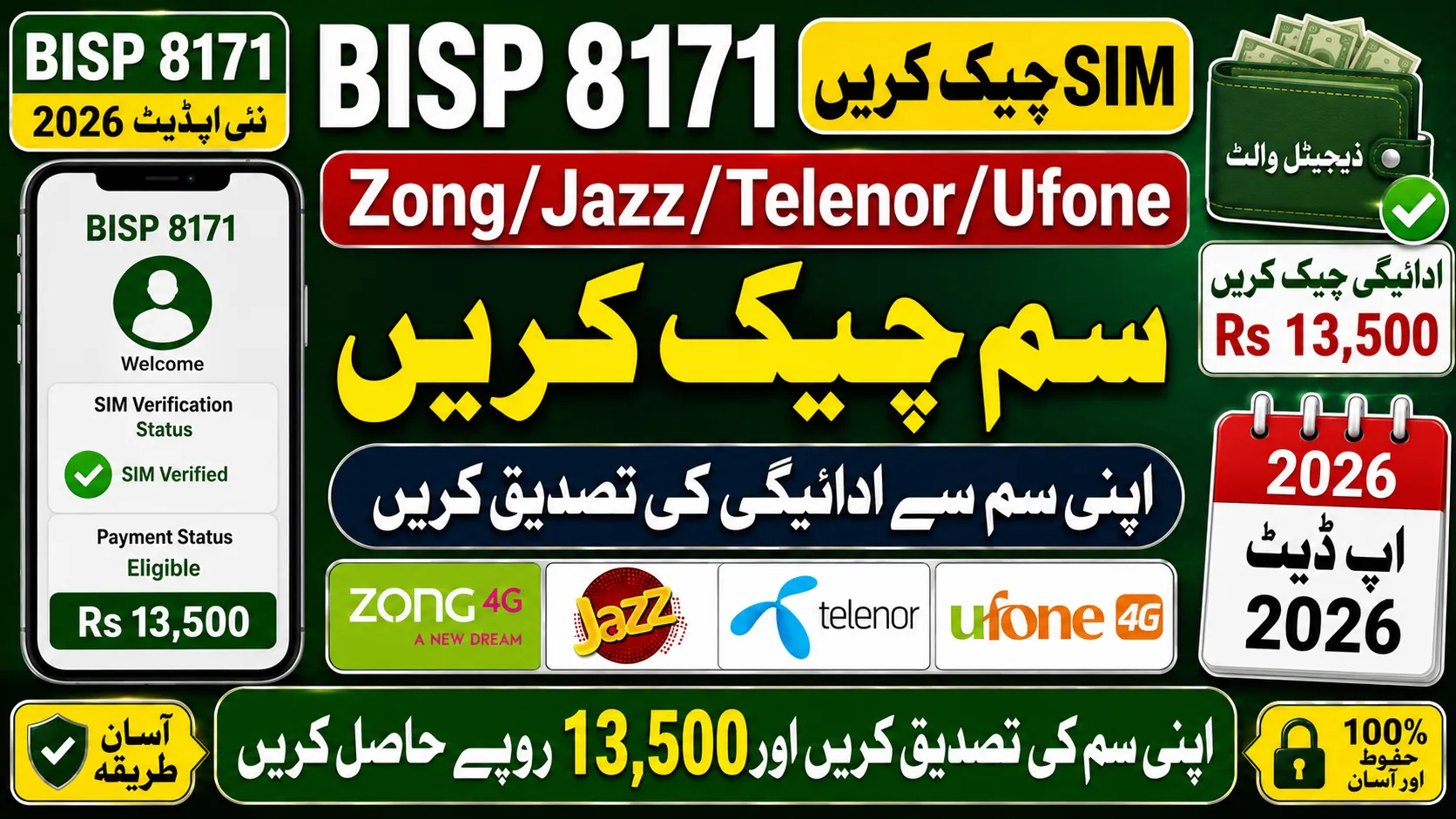
If you are a beneficiary of the Benazir Income Support Programme and have received a Zong SIM linked to your account, checking whether your Rs 13,500 payment is available has become easier through the digital wallet system.
The government has introduced secure payment methods to ensure that eligible families receive financial assistance directly without delays, unnecessary deductions, or long waiting times.
This guide explains how to verify your BISP 8171 Zong SIM status, understand wallet activation messages, and confirm whether your Rs 13,500 installment is ready for withdrawal.
What Is the BISP 8171 Zong SIM Digital Wallet System?
The BISP 8171 digital wallet initiative allows registered beneficiaries to receive quarterly assistance directly into a mobile wallet connected with their verified SIM card.
The purpose of this system is to:
- Improve payment transparency
- Reduce dependency on cash distribution centers
- Minimize unauthorized deductions
- Speed up fund transfers
- Enhance account security through mobile verification
Eligible recipients can access their financial support through partner platforms after successful registration and account activation.
Why Is the Zong SIM Important for BISP Payments?
Your Zong SIM acts as the primary verification source for the digital wallet.
To receive the Rs 13,500 installment without interruption, the following details should match official records:
- Registered CNIC number
- Mobile number linked with BISP
- Biometric information
- Active Zong SIM ownership
Any mismatch may delay payment processing or wallet activation.
How to Check Your BISP Zong SIM Wallet Status
Beneficiaries can verify account activation directly from their mobile phones.
Dial:
*2262#
After dialing the code, you may see different options on your screen.

If You See These Options
- Set PIN
- Create Account
- Register Now
This usually indicates that your digital wallet setup is incomplete and requires activation.
If You See These Options
- Balance Inquiry
- Send Money
- Cash Out
- Mini Statement
This means your wallet has been successfully activated and is ready for transactions.
If No Response or an Error Message Appears
A failed response may indicate one of the following issues:
- Registration is still under process
- Your SIM is not linked to your BISP profile
- The account has not yet been created
- Network connectivity is temporarily unavailable
- Biometric verification remains incomplete
In such situations, wait for an official update or visit the nearest BISP support center for assistance.
How to Confirm Your Rs 13,500 Payment Status
Apart from checking wallet activation, beneficiaries should verify payment eligibility through official channels.
You can confirm your payment status by:
- Sending your CNIC number to 8171
- Visiting the official BISP 8171 web portal
- Checking updates through registered BISP campsites
- Contacting the official BISP helpline
Always use your own registered mobile number to avoid verification issues.
Eligibility Requirements for BISP Digital Wallet Payments
You may qualify for the latest installment if you meet the following conditions:
- You are already enrolled in the BISP program
- Your poverty score falls within the approved range
- Your CNIC is valid and active
- Your mobile number is registered in your name
- Household verification has been completed successfully
Eligibility reviews are conducted periodically, so keep your information updated.
Applying Process for BISP 8171 Zong SIM Verification
Applicants who have not yet activated their digital wallet should ensure that their personal information is accurate and linked correctly with BISP records.
The process generally includes CNIC verification, mobile number confirmation, biometric authentication, and wallet activation through authorized partner channels.
Beneficiaries are advised to rely only on official communication sources and avoid sharing personal information with unauthorized individuals.
Common Reasons for Payment Delays
Several factors can affect the transfer of funds into your wallet.
These include:
- Expired CNIC
- Incorrect mobile details
- Unverified biometric records
- Inactive SIM card
- Pending household survey updates
Resolving these issues promptly can help avoid delays in future installments.
Safety Tips for BISP Beneficiaries
To protect your payment and personal information:
- Never share your wallet PIN with anyone
- Ignore calls requesting verification fees
- Use only official BISP communication channels
- Keep your SIM active at all times
- Report suspicious activity immediately
BISP services are free, and no agent is authorized to charge processing fees.
Frequently Asked Questions
How do I check whether my BISP Zong wallet is active?
Dial *2262# from your registered Zong SIM. The options displayed on your screen will indicate whether your wallet is activated.

Can I receive the Rs 13,500 payment without a registered SIM?
No. Your mobile number must be linked to your BISP profile to receive digital wallet payments.
What should I do if *2262# shows an error?
Ensure your SIM is active and registered in your name. If the issue continues, contact BISP support.
How can I verify my eligibility for the latest installment?
Send your CNIC number to 8171 or check your status through the official BISP portal.
Is there any fee for activating the BISP digital wallet?
No. Wallet activation and payment verification services are completely free.
Final Words
The BISP 8171 Zong SIM verification process helps beneficiaries access their Rs 13,500 payment quickly and securely through the digital wallet system.
By keeping your CNIC, SIM registration, and biometric details updated, you can avoid delays and ensure uninterrupted access to financial assistance.
Always verify information through official channels and remain cautious of fraudulent messages or calls.